

Where each setting lives
Use the correct ATSReady settings page for General settings, Account details, Preferences, and destructive actions.
On this page
ATSReady settings are split across three routes: General, Account, and Preferences.
The three settings pages
| Page | Route | Use it for |
|---|---|---|
| General | /settings |
default resume template, setup-related controls, reset actions, about text |
| Account | /profile |
display name, avatar, email, subscription and billing, delete-all-data action |
| Preferences | /profile/preferences |
interface language, content translations, job-search preference sections, and whether your practice interview answers are kept |
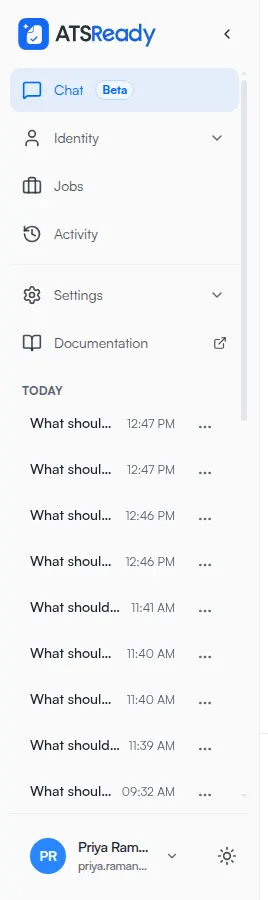
Two of the three sit under /profile, which is why the settings area does not look like one page
with tabs. The sidebar is where the split is visible.
Legacy links that still land somewhere useful
Two older paths redirect instead of failing:
/settings/billingredirects to Account/settings/profileredirects to Preferences
Where to go next
- Use Preferences for search and work-preference settings.
- Use Your account for account details and billing.
- Use Reset or delete ATSReady data before any destructive action.
- Use Understand the unsaved changes warning if you are leaving a page with edits in it.