

What chat can do
The read, draft, search, interview, and approved-write actions the ATSReady chat assistant can perform, and which plan each needs.
On this page
ATSReady chat can read your in-product records, draft work from them, and propose edits for you to approve. It opens at /dashboard, from the Chat destination in the sidebar.
Read and answer work
The assistant has named actions for reading:
- your pipeline,
- your Professional Identity,
- items in your Professional Journey,
- resumes,
- and jobs.
It can then answer questions, draft answers, write daily plans, capture STAR examples, and explain where product features live.
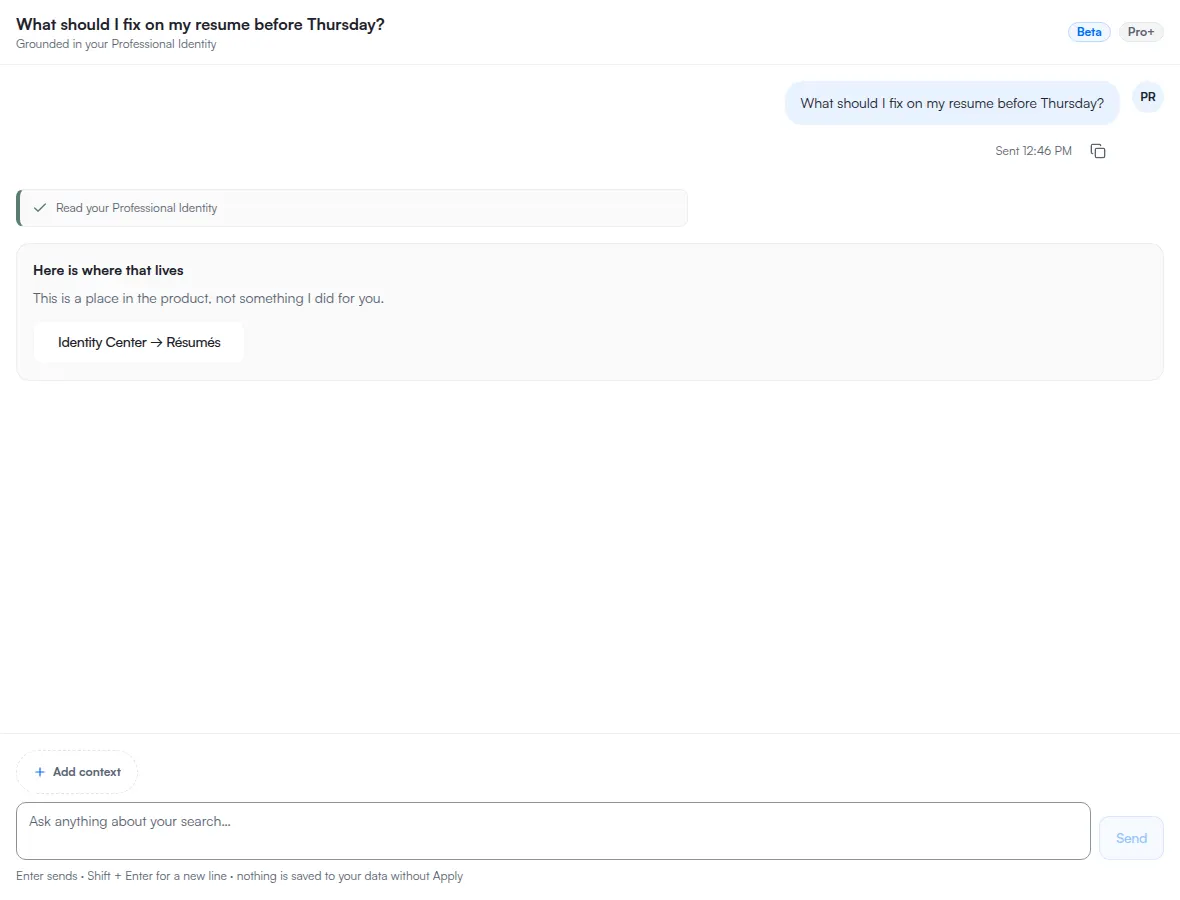
Interactive workflows
Chat can also:
- start a mock interview round,
- draft a resume section rewrite,
- score a resume against a job,
- tailor a resume for a job,
- write the gaps it finds into your Professional Identity,
- rebuild your Professional Identity from your Professional Journey,
- find one of your own records when your question does not name it precisely,
- run several of these steps in order,
- research a company,
- search job boards for openings,
- and import a job from a link.
Which of these your plan reaches
Every action in the list above is gated, and the free plan reaches none of them. Free chat answers and explains; it does not run these actions.
- From Basic: starting a mock interview round, drafting a resume-section rewrite, writing the gaps it finds into your Professional Identity, rebuilding your Professional Identity, finding one of your own records, and running several of these steps in order.
- From Pro: scoring a resume against a job, tailoring a resume for a job, researching a company, searching job boards for openings, and importing a job from a link.
Importing a job from a link is also metered: every import spends a slot from your monthly job import allowance.
When chat cannot run something on your plan, it says so and names the plan that includes it rather than failing quietly. What each plan includes is the canonical tier table.
What happens before data changes
When chat proposes a write, it drafts the change first. That includes changes such as jobs, resumes, journey records, skills, and preferences. The actual write is separate and goes through the apply-card path.